What is the difference between Ingress vs Egress?
There are two terms that come up constantly in networking and cloud computing: ingress and egress.
A quick Google search gives the general (non-technical) definitions:
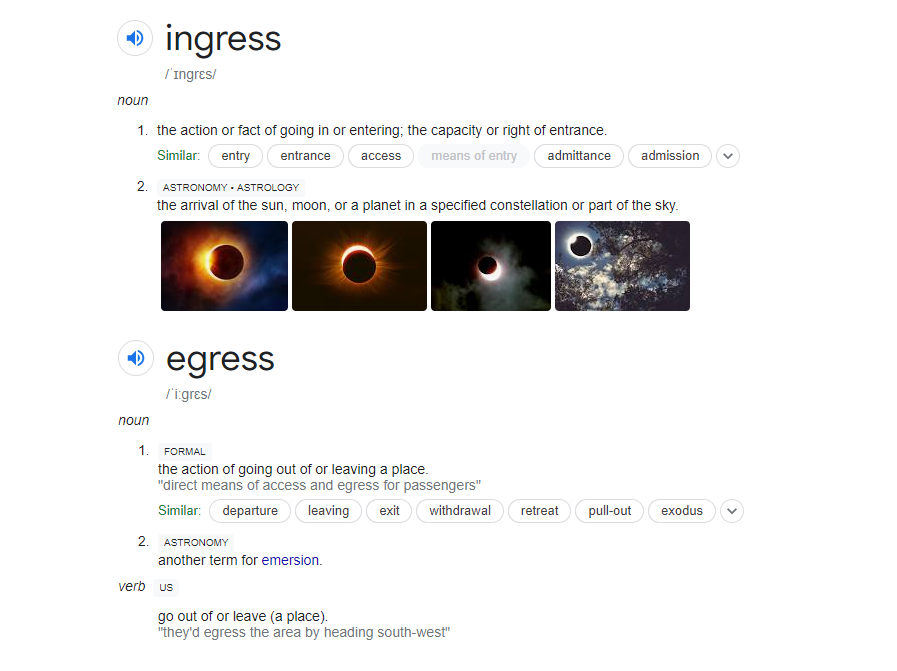
In broad terms, ingress means entering and egress means exiting. The technical definitions follow the same pattern.
What is Ingress?
Ingress refers to data or traffic entering a system, network, or boundary.
Some examples:
- A user submitting a form on your website. The form data travels from their browser into your server. That’s ingress.
- Uploading a file to cloud storage. The file moves from your machine into the cloud. That’s ingress.
- An API request hitting your service from an external client. The request is ingress traffic.
You’ll also see this called inbound traffic. In firewall rules, an ingress rule controls what traffic is allowed into a network.
What is Egress?
Egress refers to data or traffic leaving a system, network, or boundary.
Some examples:
- Your server returning a webpage to a user’s browser. The HTML, CSS, images, and JavaScript flowing back to the user are all egress.
- Downloading a file from cloud storage. The file moves from the cloud to your machine. That’s egress.
- Your application calling an external API. The outbound request is egress traffic.
You’ll also see this called outbound traffic. In firewall rules, an egress rule controls what traffic is allowed out of a network.
Ingress and Egress in Networking
In networking, ingress and egress are always relative to a boundary. The same packet can be ingress from one perspective and egress from another.
Take a simple example: a user in London requests a page from a server in New York.
- The request leaves the user’s network (egress from their perspective)
- The request enters the server’s network (ingress from the server’s perspective)
- The server sends the response (egress from the server)
- The response arrives at the user’s network (ingress from the user)
This is why firewall rules always specify direction. An ingress rule on your server might allow incoming HTTP traffic on port 443. An egress rule on the same server might restrict which external services it can call.
The key thing to remember: ingress and egress describe direction relative to a boundary, not an absolute property of the traffic itself.
Ingress and Egress in Cloud Computing
If you’ve used Azure, AWS, or GCP, you’ve probably noticed something on your bill: ingress is free, egress is not.
This is true across all major cloud providers. You can upload as much data as you want into the cloud for free, but you pay for every byte that leaves!
There are a few reasons why:
- Migration incentive. If it cost money to move data into the cloud, fewer companies would do it. Free ingress lowers the barrier to adoption.
- Traffic asymmetry. Most cloud workloads are read-heavy. A user sends a small request (a URL, a user ID, a search query) and gets a large response (a webpage, a dataset, a file). Egress volume typically exceeds ingress volume by a wide margin.
- Competitive pressure. Once one major provider offered free ingress, the others had to follow or lose customers.
Long story short: If you’re architecting a cloud application, keep egress in mind. Serving large files, streaming video, or running a CDN from a cloud provider can get expensive.
Strategies like caching, compression, and choosing the right regions for your users can reduce your egress bill significantly.
This applies whether you’re using Azure, AWS, Google Cloud, or any other major provider. The specific rates vary, but the principle is the same everywhere.