How to Get Your Claude API Key (Step-by-Step Guide)
The Claude API from Anthropic lets you build AI-powered applications using Claude models. Whether you’re integrating Claude into an app, using Claude Code from the terminal, or connecting to tools like Cursor, you’ll need an Anthropic API key.
Here’s how to get one, make your first API call, and avoid common pitfalls.
Prerequisites
You’ll need:
- An email address (or Google/GitHub account)
- A phone number for verification
- A credit card for billing (there are free credits to start)
Step 1: Create an Anthropic Console Account
Head to console.anthropic.com and sign up. This is separate from a claude.ai chat account. Even if you already use Claude Pro or Max, you’ll need to create a console account specifically for API access.
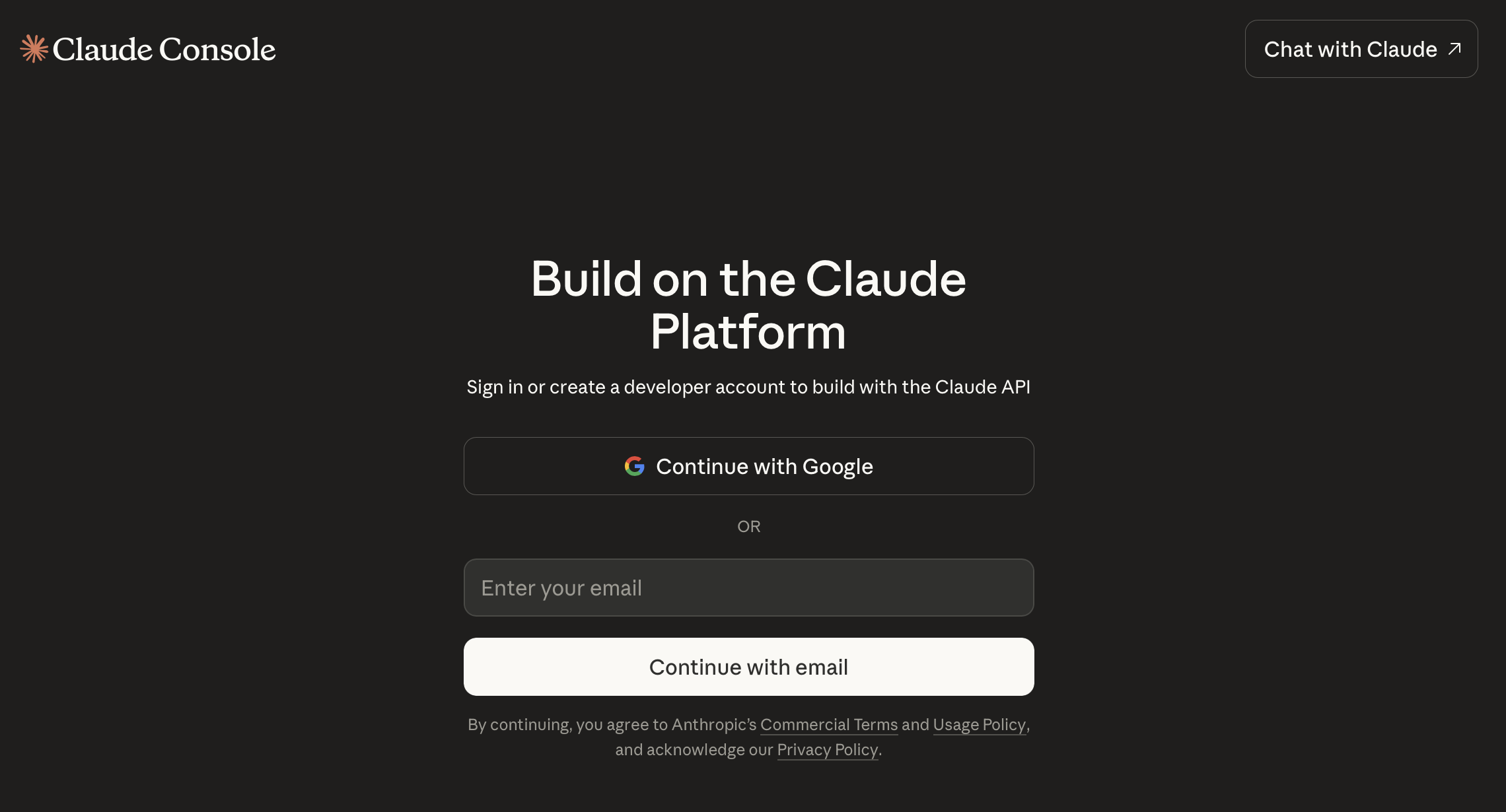
Sign up with Google or email. You’ll need to verify your phone number.
Step 2: Generate Your API Key
Once you’re in the console:
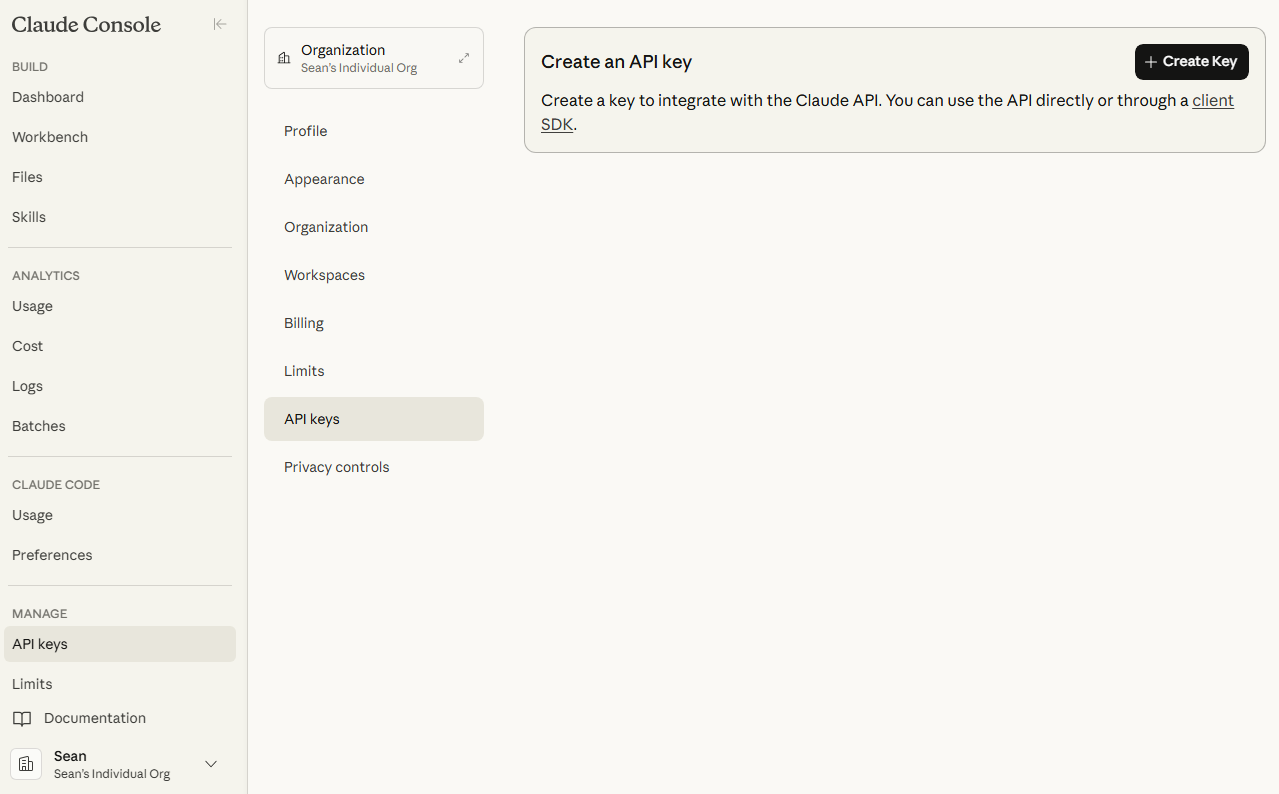
- Click API keys under the Manage section in the left sidebar
- Click + Create Key
- Give it a descriptive name (e.g.
my-app-dev,claude-code) - Click Create Key
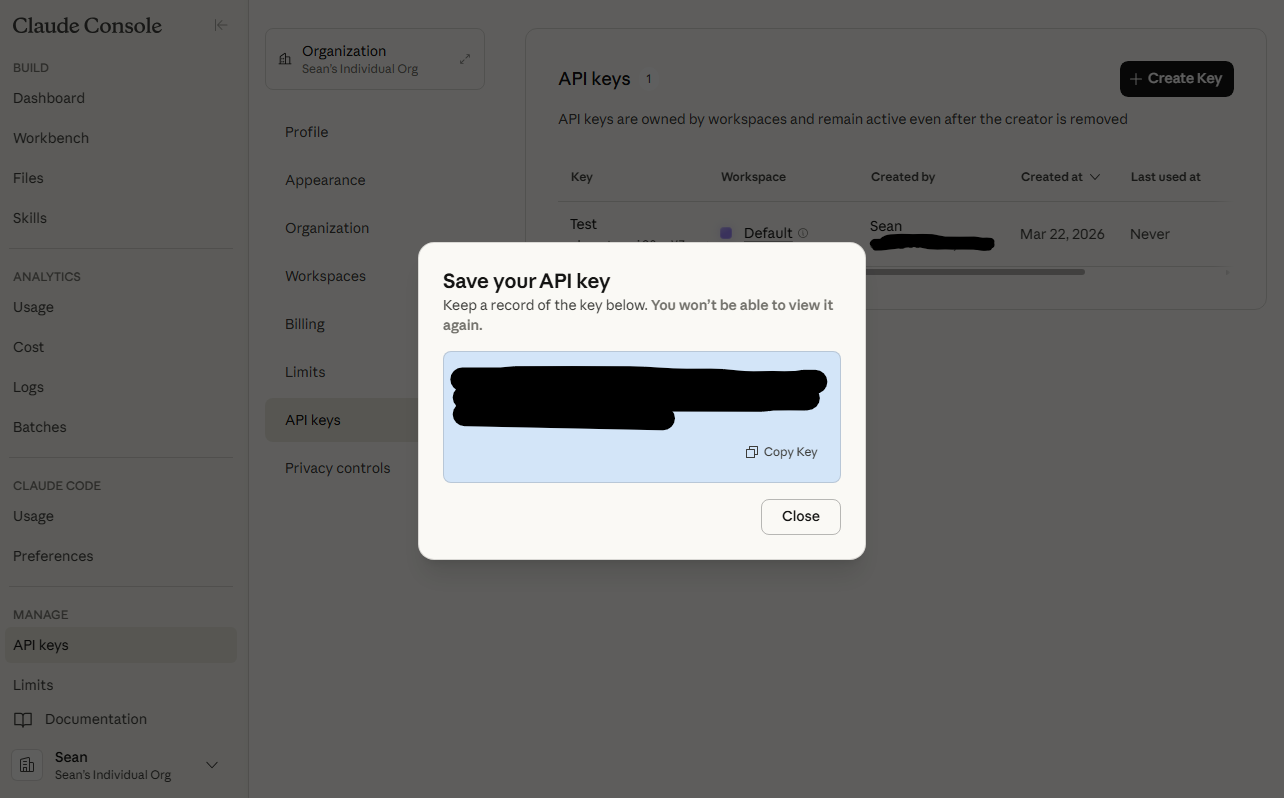
Your key will be displayed once. It starts with sk-ant-. Copy it immediately and store it somewhere safe. You won’t be able to see it again.
Step 3: Set Up Billing
New accounts get a small amount of free credits. To keep using the API after they run out, add a payment method:
- Go to Settings > Billing
- Add a credit card
- Optionally set a monthly spend limit (recommended)
The API is pay-as-you-go. You’re charged per token (roughly per word) based on which model you use. More on pricing below.
Make Your First API Call
First, set your API key as an environment variable. Both SDKs read ANTHROPIC_API_KEY automatically, so you never need to hardcode it:
export ANTHROPIC_API_KEY="sk-ant-your-key-here"Python
Install the SDK:
pip install anthropicimport anthropic
client = anthropic.Anthropic() # Reads ANTHROPIC_API_KEY from environment
message = client.messages.create(
model="claude-sonnet-4-20250514",
max_tokens=1024,
messages=[
{"role": "user", "content": "What is an API key in one sentence?"}
]
)
print(message.content[0].text)JavaScript / TypeScript
Install the SDK:
npm install @anthropic-ai/sdkimport Anthropic from "@anthropic-ai/sdk";
const client = new Anthropic(); // Reads ANTHROPIC_API_KEY from environment
const message = await client.messages.create({
model: "claude-sonnet-4-20250514",
max_tokens: 1024,
messages: [
{ role: "user", content: "What is an API key in one sentence?" },
],
});
console.log(message.content[0].text);cURL
curl https://api.anthropic.com/v1/messages \
-H "Content-Type: application/json" \
-H "x-api-key: $ANTHROPIC_API_KEY" \
-H "anthropic-version: 2023-06-01" \
-d '{
"model": "claude-sonnet-4-20250514",
"max_tokens": 1024,
"messages": [
{"role": "user", "content": "What is an API key in one sentence?"}
]
}'The anthropic-version header tells the API which version of the response format to use. Use the latest version from the API docs.
For a deeper dive on .env files, .gitignore setup, and what to do if you accidentally commit a key, see my guide on how to use .env files to keep your API keys out of Git.
Using Your API Key with Claude Code
If you’re using Claude Code (Anthropic’s CLI coding agent), it will prompt you for your API key on first run:
npm install -g @anthropic-ai/claude-code
claudeClaude Code reads from the ANTHROPIC_API_KEY environment variable. Set it in your shell profile (.bashrc, .zshrc, etc.) so it persists:
echo 'export ANTHROPIC_API_KEY="sk-ant-your-key-here"' >> ~/.zshrc
source ~/.zshrcClaude API Pricing
The API uses token-based pricing. Here’s what the main models cost (as of March 2026):
| Model | Input (per 1M tokens) | Output (per 1M tokens) | Best for |
|---|---|---|---|
| Claude Haiku 3.5 | $0.80 | $4.00 | Fast, cheap tasks |
| Claude Sonnet 4 | $3.00 | $15.00 | Balanced performance |
| Claude Opus 4 | $15.00 | $75.00 | Complex reasoning |
For context, 1 million tokens is roughly 750,000 words. A typical API call for a short task costs fractions of a cent.
Free credits: New accounts receive a small amount of free credits (typically $5) to experiment with. No billing setup required to use them.
Does Claude Pro Include API Access?
No. This is the most common point of confusion. Claude Pro ($20/month) and Claude Max ($100/month) are subscriptions for the claude.ai chat interface. They do not include API credits.
The API is a completely separate product with its own pay-as-you-go billing. You can use both, but they’re independent accounts and charges.
Is the Claude API Free?
Sort of. You get a small amount of free credits when you first sign up. After that, it’s pay-as-you-go. There’s no free tier with ongoing monthly credits.
If you need free access to Claude models, OpenRouter offers some free-tier Claude access for low-volume use.
Keep Your API Key Secure
A few rules:
- Never commit it to git. Use
.envfiles and add.envto your.gitignore. I wrote a full guide on using .env files if you’re not sure how. - Never expose it in frontend code. API calls should happen server-side.
- Use separate keys for different projects. If one gets compromised, you only need to rotate that one.
- Set spend limits. In the console under Billing, set a monthly cap so a bug or leak doesn’t run up a surprise bill.
- Rotate keys periodically. You can create new keys and delete old ones from the console at any time.
Quick Reference
| What | Where |
|---|---|
| Create account | console.anthropic.com |
| Generate API key | Manage > API keys > + Create Key |
| API docs | docs.anthropic.com |
| Pricing | anthropic.com/pricing |
| Python SDK | pip install anthropic |
| JavaScript SDK | npm install @anthropic-ai/sdk |
| Status page | status.anthropic.com |